Creating Furry Art with AI Tools: Your Guide to AI Furry Art Creation

Creating furry art has always been a fun and creative outlet. Now, AI tools make it easier and faster. You don’t need to be a pro artist to bring your furry characters to life. With AI, you can generate unique, detailed furry art in minutes. Let’s dive into how you can start your AI furry art creation journey.
Why Use AI for Furry Art Creation?
AI tools are changing the game. They help you create art without spending hours on drawing or painting. You get to focus on your ideas and let the AI handle the technical stuff. Here’s why AI furry art creation is worth trying:
Speed: Generate images quickly.
Variety: Experiment with different styles and poses.
Accessibility: No need for advanced drawing skills.
Customization: Adjust details to fit your vision.
Imagine describing your furry character and watching the AI bring it to life. It’s like having a digital art assistant.
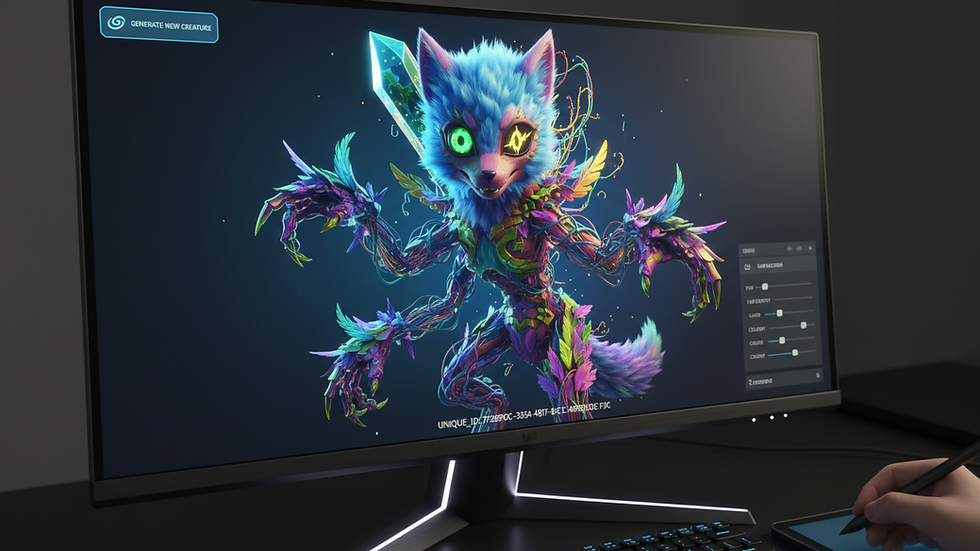
Getting Started with AI Furry Art Creation
First, pick the right AI tool. Many platforms offer AI art generation, but not all are great for furry art. Look for tools that allow detailed prompts and style adjustments. Here’s a simple step-by-step to get started:
Choose your AI platform: Find one that supports furry art styles.
Write a clear prompt: Describe your character’s species, colors, pose, and mood.
Set style preferences: Cartoonish, realistic, or something in between.
Generate the image: Let the AI work its magic.
Refine and tweak: Use editing features to perfect your art.
Don’t be afraid to experiment. Try different prompts and styles until you find what fits your vision.
Tips for Crafting Effective Prompts
Your prompt is the key to good AI art. The more specific you are, the better the results. Here’s how to write prompts that work:
Be detailed: Mention fur color, patterns, eye shape, and accessories.
Use simple language: Avoid complex or vague terms.
Include style cues: Say if you want “anime style” or “realistic fur texture.”
Add mood or setting: “Smiling fox in a forest” or “serious wolf in armor.”
For example, a prompt like:
"A happy red fox with white fur accents, green eyes, wearing a leather jacket, anime style, standing in a sunny forest"
will give you a clear, vibrant image.
If you want more help, check out this furry ai art generation guide for detailed prompt ideas and examples.
Editing and Enhancing Your AI Furry Art
Once you have your AI-generated image, you might want to polish it. Many AI tools come with built-in editors. You can:
Adjust colors and brightness.
Add or remove details.
Change backgrounds.
Combine multiple images.
If your AI tool doesn’t have editing features, use free software like GIMP or online editors. Small tweaks can make your furry art stand out.
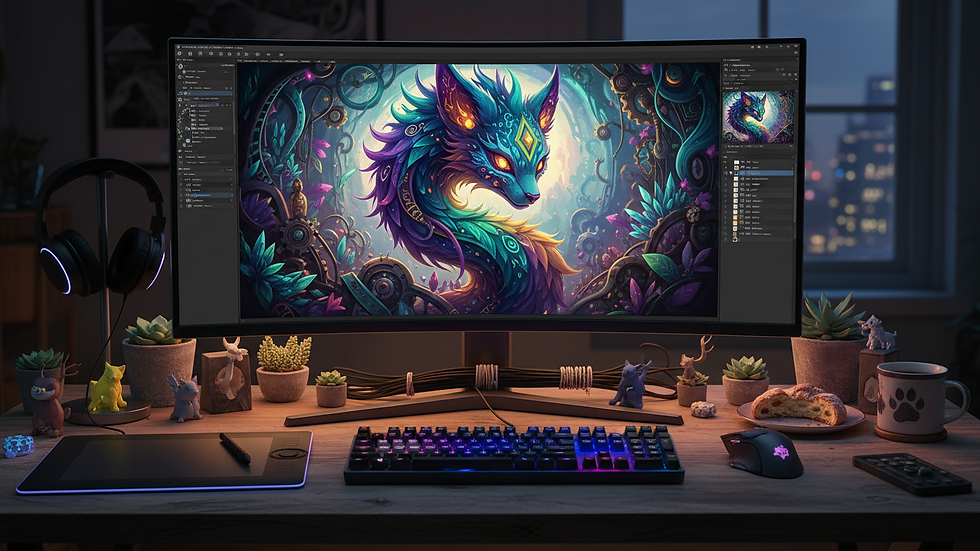
Sharing and Connecting with the Furry Community
Creating furry art is fun, but sharing it is even better. Join online communities where you can post your AI furry art, get feedback, and meet others who share your passion. Platforms like Aurawulf offer a safe space for adult members of the furry fandom to connect and share content.
Here’s how to get involved:
Post your art regularly.
Participate in art challenges.
Collaborate with other artists.
Use community feedback to improve.
Building your presence helps you grow as an artist and enjoy the fandom more.
Keep Exploring and Have Fun
AI furry art creation is just getting started. New tools and features pop up all the time. Keep trying new things, learning, and pushing your creativity. Remember, the goal is to enjoy the process and express yourself.
Whether you want quick sketches or detailed portraits, AI can help you make furry art that’s uniquely yours. So, fire up your favorite AI tool and start creating today!
Comments